
The Comprehensive List of Cyber Security Terms: A Plain-Language Guide for Everyone

“Zero-day exploit.” “FIDO2 key.” “MFA.” Cyber security terms can sound complicated at best, masking their concepts and making it harder for non-IT folks to figure out what the heck is going on, alienating at worst.
That’s a big problem for nonprofit cyber security because if you don’t understand the terms, you probably won’t know what you need, what questions to ask, or what’s at risk.
Why Plain Language Matters
When our partners know exactly what we’re talking about, they can participate fully in the process, advocate for their needs, recognize and respond to breaches faster, and continue their cyber security efforts into the future. We can only have a full partnership if everyone has a baseline understanding of cyber security terms.
Cyber security is a tool for community protection. The more we translate this field into everyday language, the safer our communities will become.
The Basics: What Are We Actually Protecting?
Cyber security is for everyone because (nearly) every nonprofit professional uses technology and makes cyber security decisions in their everyday work.
You may share Google docs with an advocacy coalition, including social media handles, messaging guidance, event logistics, and staff contact information.
You might send out volunteer schedules through WhatsApp or another direct-messaging platform.
You probably use a database to track donor information, including payment methods, names, addresses, donation amount, birthdates, and more.
You may store information about direct services provided to children, minors, or other at-risk populations.
You might store sensitive data associated with children or minors.
Cyber security for nonprofits means protecting:
Staff and members of the community – the digital and physical wellbeing of the people connected to your organization
Information and data — Usernames and passwords, photos and videos, medical records, financial information, everything stored on our Google Drive or Microsoft 365, employment data, and other sensitive information
Devices — Phones, laptops, tablets, and other hardware, both personal and issued by an organization
Access — The ability to log into accounts and platforms
Cyber Security Terms, Explained
Most of the terms you'll encounter in the cyber security world just describes a threat to one of these three things or a tool that helps defend them.
These concepts aren’t complicated once we break down the jargon. Here, we’ve defined some of the most common jargon-y cyber security terms and translated them into plain English.
Antivirus Software
A program that scans a device for known malware (programs designed to steal information or hurt your technology) and either blocks it or removes it, similar to how an immune system identifies and fights off illness. See below: Endpoint Detection and Response (EDR).
Backup
A copy of important files stored somewhere separate from your main device, like a hard drive or cloud storage, so that if there is an attack or mistake, you can quickly restore the lost data.
Bring Your Own Device (BYOD)
When an organization does not provide computers, laptops, tablets, or phones to its employees, but rather asks employees to use their personal devices. This term can also refer to the program that governs the guidelines, tools, and norms associated with employees using their own devices.
Cyber Security Posture
How well your organization is protected from cyber security attacks. A weak cyber security posture means that your organization is less resilient against cyber attacks. A strong cyber security posture means that your organization is more resilient. A resilient organization has clearly defined policies and processes to enforce them, ongoing configuration checks, regular assessments to identify and fill security gaps, ongoing training for all staff, data backups and recovery capabilities, monitoring of sensitive systems, and comprehensive incident response plans.
Denial-of-Service (DoS) Attack
When an attacker floods a website or platform with so many visits that it can't function properly. Imagine if thousands of people tried to walk through a single doorway at once. Legitimate users get locked out because the system is overwhelmed.
Endpoint Detection and Response (EDR)
A cyber security software platform that continuously monitors devices to detect, investigate, and stop malicious attacks. EDR goes a step further than old antivirus tools by watching device behavior, program and memory use, and network connections, helping to catch advanced threats.
Encryption
A data protection that scrambles information so that only someone with the correct key can read it. If your data gets intercepted while encrypted, it just looks like gibberish to anyone without the key.
FIDO2 key
Among the most phishing-resistant ways to sign in to websites or apps, using a cryptographic credential stored on your device, instead of a traditional password.
Firewall
A security tool, often built into a device or router, that acts like a gatekeeper, deciding what internet traffic is allowed in and out of a network. Think of it as a bouncer checking IDs at the door.
Identity Provider (IdP)
A centralized system that stores, manages, and confirms digital identities to allow or deny access to applications and services. Essentially, an IdP is a guest list.
Malware
This is short for "malicious software." It’s an umbrella term for any program designed to cause harm through spying, damaging a device, stealing data, or holding files hostage. Viruses, ransomware, and spyware are all types of malware.
Man-in-the-Middle Attack
An attacker secretly intercepts communication between you and another party (like a website) to steal your data or modify the communication without the party’s knowledge. Imagine receiving a sealed letter from a friend, not realizing someone had already intercepted it in transit, read it, resealed it, and put it back in the mail like nothing happened.
Mobile Device Management (MDM)
A security software method that allows organizations to manage and secure organizationally issued devices remotely and centrally to meet compliance standards, secure data, and reduce the risk of malware. IT administrators use MDM to enforce internal policies, push software updates, keep personal and work data separate, among other things.
Managed Detection and Response (MDR)
An external cyber security service or provider that monitors technology continuously alongside a live human to identify and investigate threats in real time.
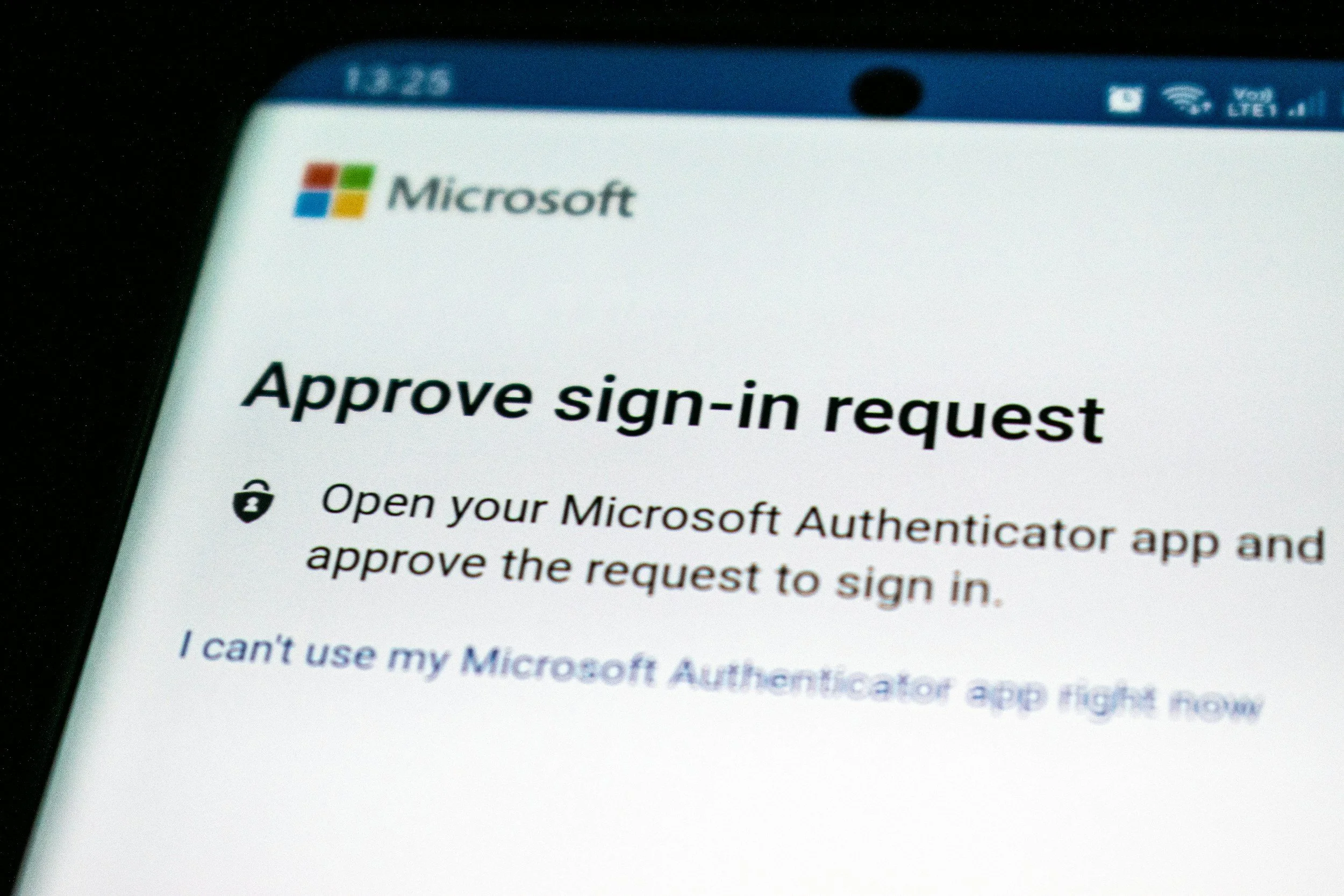
Multi-Factor Authentication (MFA) and Two-Step Verification (2SV)
Refers to a method of verifying your identity on a website or platform that requires two different authentication factors to verify your identity. An authentication factor is something you know (passwords and PINs), are (biometrics), or have (IDs or devices). MFA/2SV methods are more secure because they make it harder for unauthorized users to sign into an account. The most secure type of MFA/2SV is known as FIDO2 keys or passkeys.
Open Authorization (OAuth)
When you can allow a third-party app or website access to your data on another service without sharing your password. When you see the option to "Log in with Google" or "Sign in with Facebook" on a new website, that’s OAuth.
Operating System (OS)
The software that runs your device, apps, and other programs. Examples of operating systems include Windows, MacOS, iOS, Android, and Linux.
One-time Password (OTP)
A temporary and random string of characters sent to your phone or email inbox when logging into an account. You then use these characters as a temporary password to prove your identity and gain access to the account. This is used widely in banking and other industries that deal with sensitive data. A one-time password (OTP) is also known as a one-time passcode. OTPs are among the least strong forms of MFA.
Passkey
A passkey uses biometrics to replace a password. Instead of logging into a website, platform, or app with letters, numbers, or symbols, you’ll log in with a fingerprint, face scan, or PIN.
Password Manager
A secure tool that generates and stores strong, unique passwords for all your accounts, so you don't have to create or remember them yourself. Password managers often have the ability to grant access to other team members, securely sharing the credentials.
Patch / Update
A fix released by a software company to close a security gap or bug. When a phone or computer asks you to "update," it's often patching a vulnerability that might otherwise be exploited by a bad actor.
Phishing
A scam where a bad actor pretends to be a trustworthy source, perhaps posing as a bank, coworker, a delivery company, etc., to trick you into sharing personal information like passwords or credit card numbers. Think of it as "fishing" for victims with a fake hook that appears real but is designed to victimize people.
Ransomware
Malware that locks you out of files or your entire device and demands payment (a "ransom") to unlock them. This is digital kidnapping of your data.
SaaS
A model where a third-party provides access to software, usually through a web app, while managing the hardware and infrastructure needed to support and update the software. SaaS products are typically available on a subscription or pay-per-usage basis.
Single Sign-On (SSO)
A technology that enables users to use a single login, often a Google Workspace or Microsoft 365 account, to log into multiple other websites and technology services.
Social Engineering
A broader term for tricking people, rather than hacking technology, into divulging information or access. Phishing is one form of social engineering, but it can also happen over text messaging, in person, or through fake tech support calls.
Spear Phishing
Same idea as phishing, but personalized. Instead of a generic scam email sent to thousands of people, this is a targeted attempt aimed at a specific person, often using information the scammer already knows about the individual to seem more convincing.
Spyware
Software that secretly monitors what you do on your device — keystrokes, browsing habits, even camera or microphone access — and sends that information to someone else without your knowledge.
Time-based One-Time Password (TOTP)
A temporary code used when signing into an account that gets regenerated after a certain amount of time passes. While better than no MFA, TOTP is not considered a strong form of MFA.
Virus
A specific type of malware that attaches itself to a file or program and spreads when that file is shared or opened, similar to how a biological virus spreads between people.
VPN (Virtual Private Network)
A tool that creates a private, encrypted tunnel for your internet traffic, making it harder for others, including your internet provider, to see what you're doing online. It also can mask your location.
Zero-Day Exploit
A security flaw in software that the company hasn't fixed yet, because they've had "zero days" to address it since its discovery. Hackers who find these flaws before the company does can exploit them before a fix (a "patch") is available.
Zero Trust
A concept in the security industry that generally means “never trust, always verify.” This concept is applied across a wide number of technologies to ensure that a user’s access is constantly vetted to prevent unauthorized access to data.