
In 2026, nonprofits must be able to operate without interference to keep their communities safe.
Now more than ever, the organizations serving the people harassed by this administration are most at risk—not just from random cyber attacks, but from surveillance and overreach.
Attackers and bad faith actors may use the US midterm elections as a moment to erode nonprofit privacy and independence. As external communications, social media campaigns, press pitching, visibility at demonstrations and counter protests, and fundraising appeals ramp up in preparation, they'll also increase their scrutiny on advocacy groups.
When it comes to serving our communities, privacy is protection.
We put together this list of resources to help organizations get the information they need to remain resilient, autonomous, and safe to do the work that matters by protecting their data, staff, donors, and communities. We’ll update it periodically, so make sure to check back.
This year will hold significant challenges. Let’s face them together.
Let’s Talk About the Risks
-
As soon as possible is ideal. We offer resources below that you can get started using today, as well as resources that will carry your organization through to the midterms and beyond.
-
We always advocate for nonprofits to proactively secure their data. However, the run up to an election creates a unique high-risk cyber security environment.
Historically, attacks increase during an election cycle both due to increased visibility (more email campaigns, fundraising asks, and press coverage, for example), as well as malicious activity that targets organizations connected to the democratic process.
When political tensions rise, nonprofits are targeted because they gather and store sensitive data.
Disinformation drives election results.
AI threats are predicted to increase in sophistication during the 2026 election cycle.
Disruptions to an organization’s day-to-day operational work disturbs its mission-critical work.
Most nonprofits rely on vendors to carry out important tasks. If a vendor is compromised by a politically motivated attack, the nonprofit may also be exposed.
These are just a few of the reasons why nonprofit professionals need to be thinking about increasing cyber security efforts before the 2026 midterm election.
-
Cyber security should be a public good. This page provides free and free-ish, actionable resources. Luckily, there is a lot you can do to increase the organization’s security with the hardware and software you’re already using. We’ve put together free resources, blog posts, and live events that will help you start increasing your organization’s cyber security.
-
Short answer: yes. Even if the organization is not legally allowed to support or oppose candidates, it is still worth taking precautions if any external messaging will be focused on promoting civic engagement, voter registration, canvassing, fundraising, or other approved (c) (3) activities.
-
Largely, the risks are the same as any other time of the year, but because of increased visibility, the risks are heightened. They may include:
Phishing, malware, and account compromise
Ransomware attacks
Data breaches, exposing constituent information
Sensitive information exposure, putting donor data at risk
Website hacks, damaging org reputation
Social media hacks, including the creation of fake accounts
Disinformation campaigns, which confuse the public and erode trust
AI-enabled threats, like deepfakes, impersonation campaigns, and phishing
-
Start with the “Getting Started” section for steps you can take today.
Getting Started
-
![A person working on a laptop with a calendar application open, sitting at a wooden desk with a glass of water, a smartphone, and various electronic accessories.]()
Build Consistency and Stay on Top of Security Tasks with Our Calendar
-
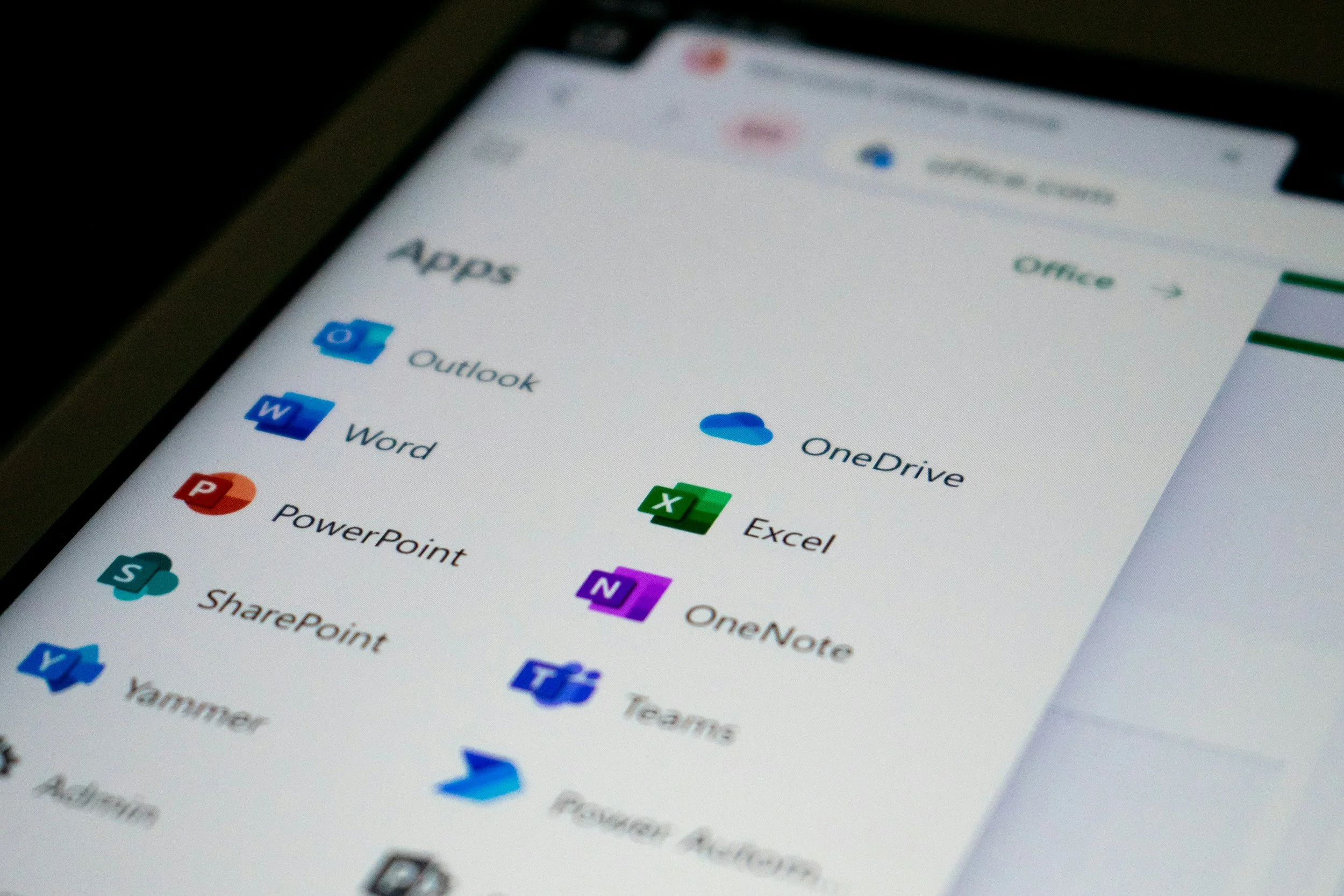
![Close-up of a mobile device screen displaying a list of app icons, including Outlook, Word, PowerPoint, SharePoint, Excel, Teams, OneDrive, and OneNote, among others.]()
Map Out Your Security Inventory to Understand What Needs to Be Protected
-
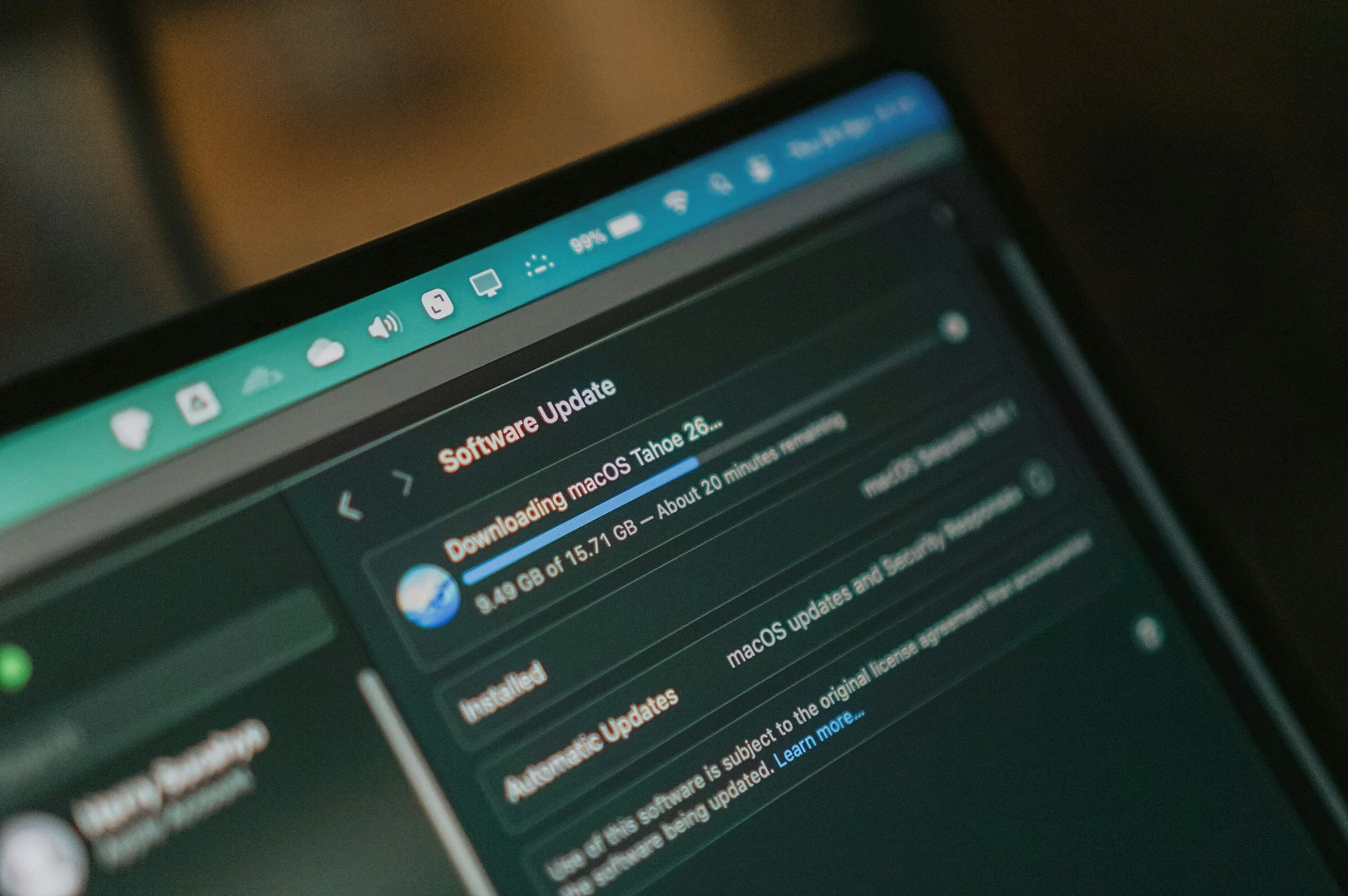
![A smartphone screen showing a software update progress for macOS, with a download percentage of 99%, and a notification about a large file size of 15.71 GB.]()
Make Progress Today on These Cyber Security Tasks

Internal Recommendations
-
![Two people engaged in a conversation in a modern office with natural light and potted plants. One woman is holding a notepad and pen, smiling, and the other person is looking at her.]()
How to Get Cross-Departmental Buy-in for Cyber Security Work
-
![Close-up of a metallic combination padlock on a computer keyboard, with some keys and two gold credit cards partially visible in the background.]()
Take These Easy Steps Ahead of a Major Fundraising Moment
-
![A computer screen displaying a login form with a masked password input and a 'Log In' button below, along with a 'Forgot password?' link.]()
Best Practices For Protecting a Nonprofit’s Critical Data

Working with Vendors and Service Providers
-
![Close-up of a computer screen showing the Safari browser open to the Slack website, with a blurred background of warm-toned lights.]()
Selecting SaaS Tools Based on Security and Privacy
-
![Blue digital icon with a white envelope symbol, representing email, on a blue background.]()
Website Security Check-Ins to Protect Your Nonprofit's Reputation
-
![Two women are engaged in conversation at a round white table near a window in a bright room. One woman has long brown hair and wears a light-colored top. The other woman wears blue and is facing away from the camera.]()
Talking To Your MSP About Cyber Security

Managing Email, Website, and AI
-
![Computer dock with various app icons visible against a background image of tall brown grass.]()
Best Practices for Email Security
-
![A smartphone on a wooden surface displaying the Google Mail (Gmail) app logo on its screen.]()
Must-Haves For Email Security & Deliverability: SPF, DMARC, & DKIM
-
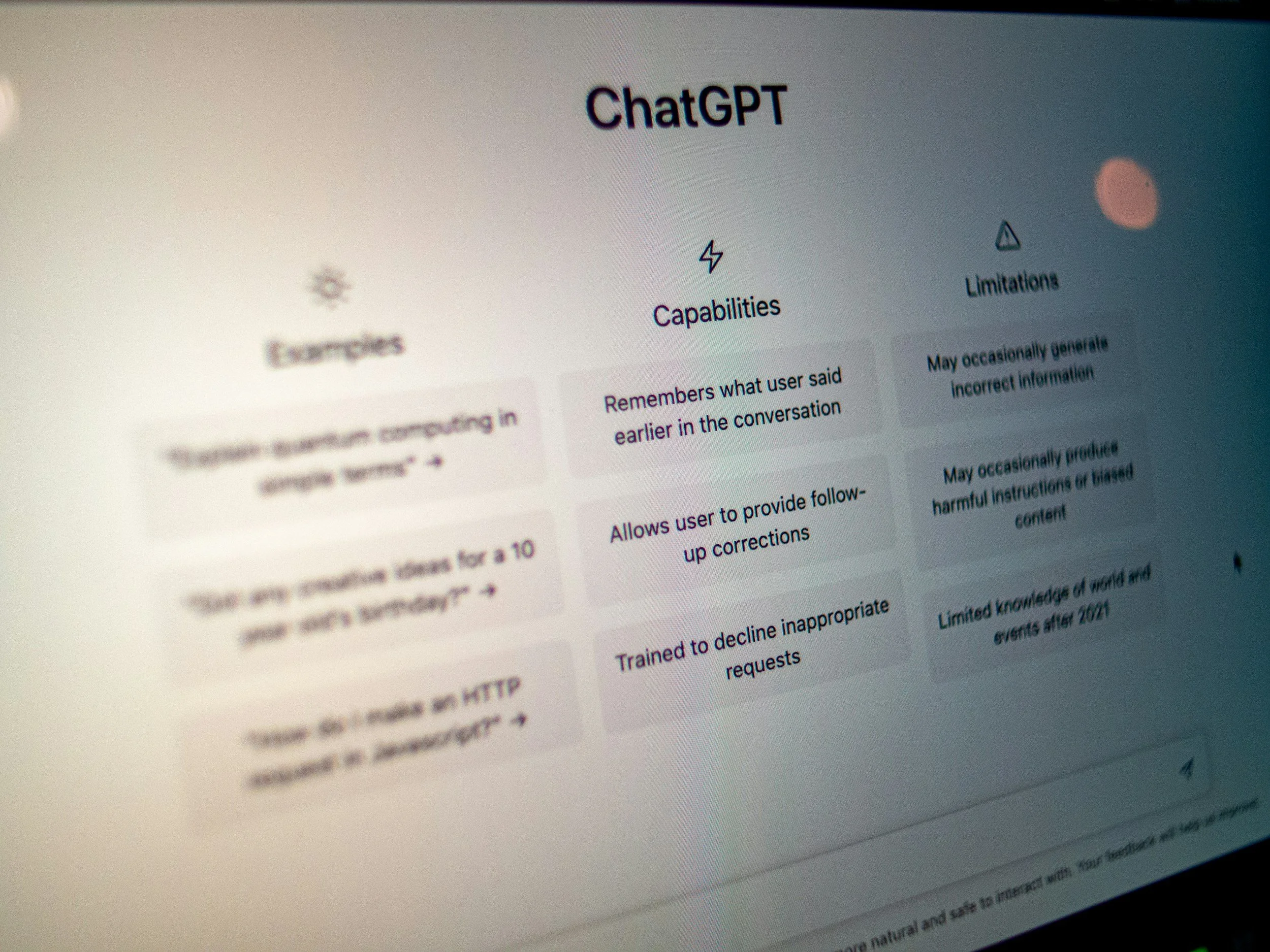
![Screenshot of the grey, black, and white ChatGPT homepage, with starter prompts visible.]()
Key Elements of an AI Policy Blueprint
Showing Up in Your Community
-
![Large crowd of protesters carrying brightly colored signs under a highway overpass with police officers standing on the bridge, watching.]()
Keeping Secure While On The Go
-
![Person in a blue shirt holding a smartphone and another person holding a paper conversation in an indoor setting.]()
QR Code Safety


Get Live Help
Speak Directly with a Cyber Security Expert
Free 30-minute consultations for nonprofits and mission-driven organizations with no obligation
Cyber Security Office Hours for Nonprofits
A space for nonprofit professionals to drop in and ask questions
Cyber Security Foundations
Our course designed to help secure organizational operations alongside a cohort of peers
Security Resources For Common Tools
-
As with most tools, Google Workspace’s default settings favor usability over security. Use these security checklists organized by organization size to strengthen your org’s privacy and security.
If your organization relies heavily on Google Workspace and you need help cleaning up your Google Drive file/folder sharing, check out GAT Labs, who have an excellent free trial.
-
Your Microsoft 365 settings are most likely not as secure as possible. Refer to Microsoft’s best practices to increase privacy and security.
-
If you’re using Microsoft 365, consider using their built-in Purview Message Encryption feature, which allows you to send an encrypted email message to anyone’s email account. The user will receive a notification that they can log into a portal to review the email and reply.
For Google Workspace users, a similar secure email portal like Microsoft 365 does not exist. You’ll need to pay for a higher-level Google Workspace plan and configure encryption keys for each recipient.
-
If you want to stick with Google Chrome, try Chrome Enterprise for additional controls and security capabilities for your organization.
If you want to break up with Google Chrome, Brave removes ads and spyware.
-
Password managers like 1Password are a must-have for nonprofits in 2026. They offer a nonprofit discount.
-
Your organization’s Slack settings are most likely not as secure as possible. Check out Slack’s cyber security recommendations to protect your workspace.
-
Take extra precautions against doxxing and protect your staff. To protect your social media accounts from security and privacy issues, check out Block Party.
-
Take advantage of Project Galileo, a free service from Cloudflare specifically for nonprofits. It acts as a filter to protect your website from attacks, and they often partner with local organizations to provide support with implementation.
Looking to build your cyber security strategy proactively?
Contact Us
If you need further assistance ahead of the midterms, please reach out to outreach@riprapsecurity.com.
Don’t delay. By strengthening your defenses against overreach proactively, we can ensure your nonprofit remains resilient, autonomous, and safe to execute its mission on the road to the midterm elections.